
Clear permission logic
Desktop AI Companion
An All-Day, Ever-Present Desktop Companion
AI should be on your desktop. Instant task execution, long-term intelligent memory.
Start from the desktop. Stay in flow.
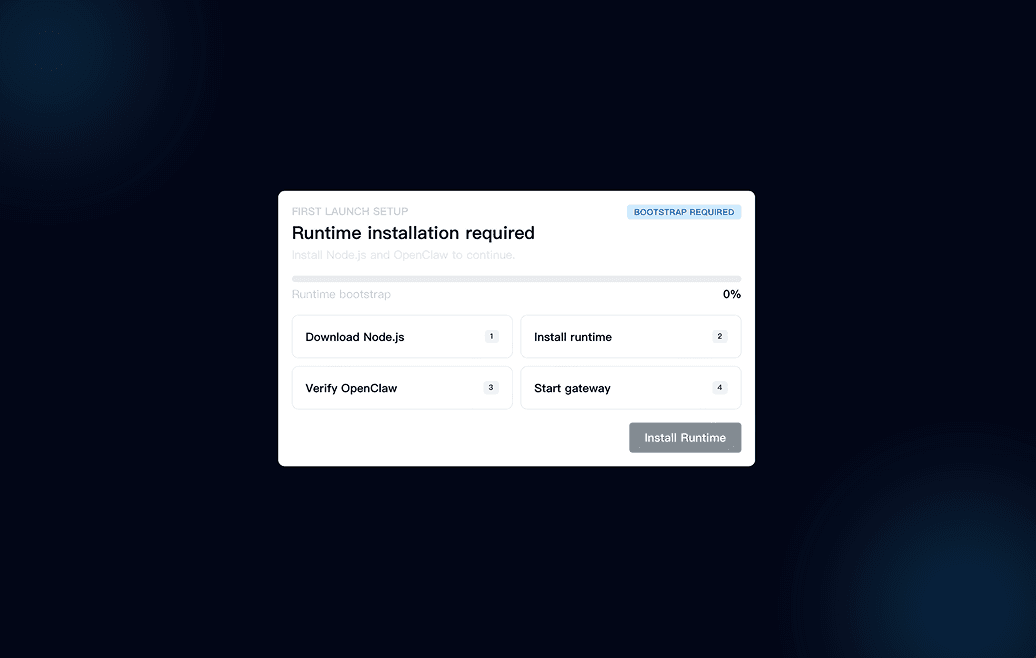
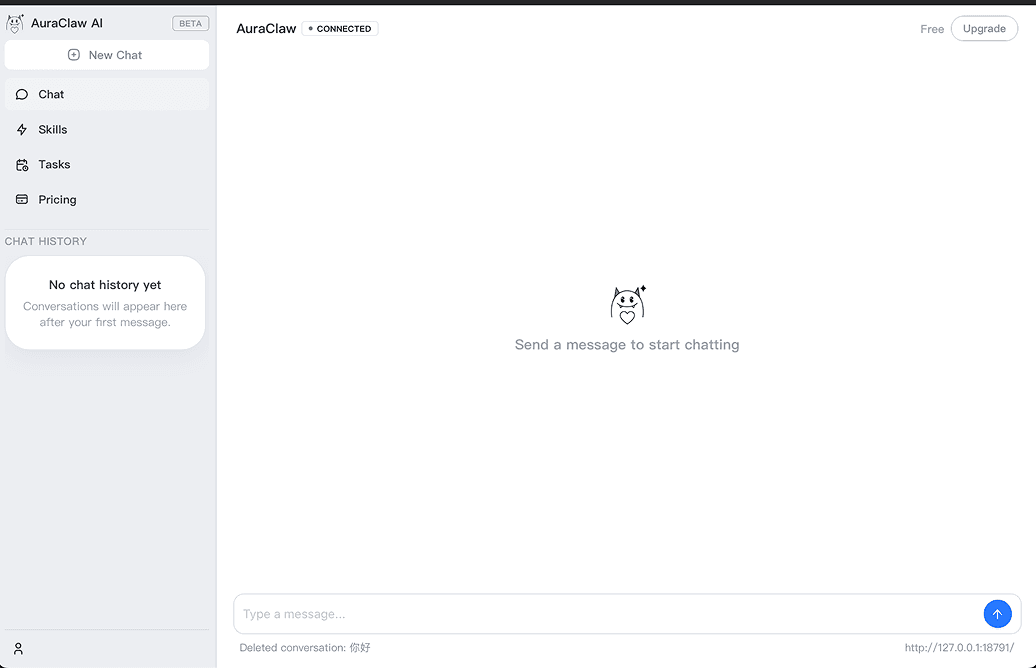
Open AuraClaw, hand off a task, and keep moving in the app you are already using. The assistant stays nearby instead of pulling you into another tab, so your current window, your current context, and your current momentum all stay intact while work gets started.
See work in motion. Without checking tabs.
AuraClaw keeps task status visible with clear states for thinking, running, waiting, and done, so progress feels immediate instead of hidden somewhere else.
Keep what matters. Bring it back on time.
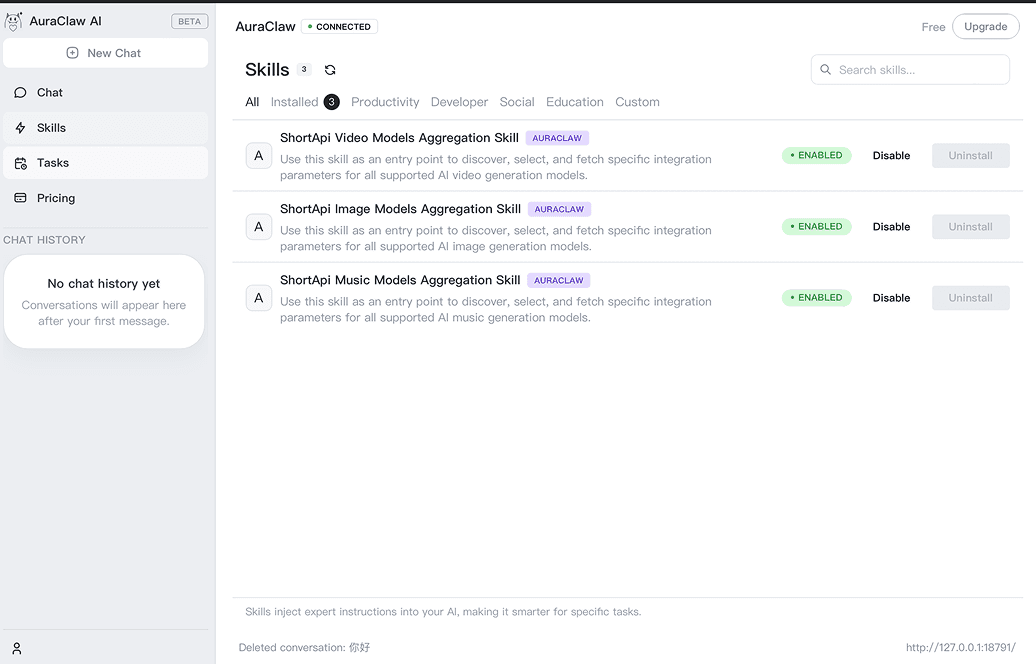
Preferences, recurring work, and project context stay close at hand, so AuraClaw can surface the right reminder or next step when the moment arrives. Over time, the companion becomes more helpful because it remembers what you care about and brings useful context back before work slips away.
Trust and control
More helpful does not mean less controlled
Desktop software should earn trust. That is why reminders, memory, notifications, startup behavior, and model settings are transparent and manageable inside the app.
Manageable reminders
View and delete saved memory
Privacy-aware desktop experience
The gap
AI is powerful. Your workflow is still fragmented.
Desktop AI should be immediate, visible, and remembered. Right now, most products still feel fragmented.
Too much switching
You should not have to stop what you are doing just to ask AI for help.
Too little visibility
Most agents feel like a black box. You send a task in and hope something useful comes back.
Too much repetition
Your preferences, projects, and habits keep getting re-explained instead of remembered.
FAQ
Frequently Asked Questions
Is this a desktop pet or an AI assistant?
Both. The pet is the interface. The real value is what it helps you do: launch tasks quickly, work in the background, remind you at the right time, and remember what matters.
Why download an app instead of using AI in the browser?
Because desktop work is continuous. A desktop app can stay present, be triggered instantly, show live status, and support reminders and memory in a way a browser tab usually cannot.
Will it interrupt me all the time?
No. AuraClaw is designed around low-interruption collaboration. You control reminders, notification intensity, startup behavior, and shortcuts.
Does it remember my data?
Memory is there to reduce repeated input and improve collaboration. Saved memory can be reviewed, managed, and removed inside the app.
What do paid plans unlock?
Paid plans unlock more of what makes a desktop companion valuable over time: more task capacity, stronger memory, more proactive behavior, and deeper personalization.